A little guidance
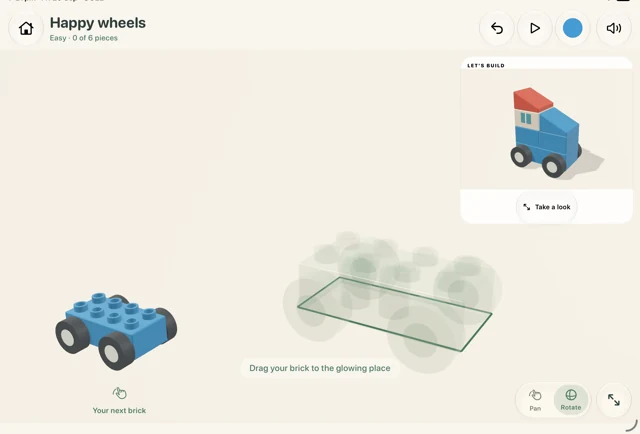
Help your little builder get started, with a gentle nudge showing where the next piece belongs.
A creative world for you and your kids.
Build a little duck. Take on a rocket. Dream up your next adventure together.
 small beginnings
 big personalities
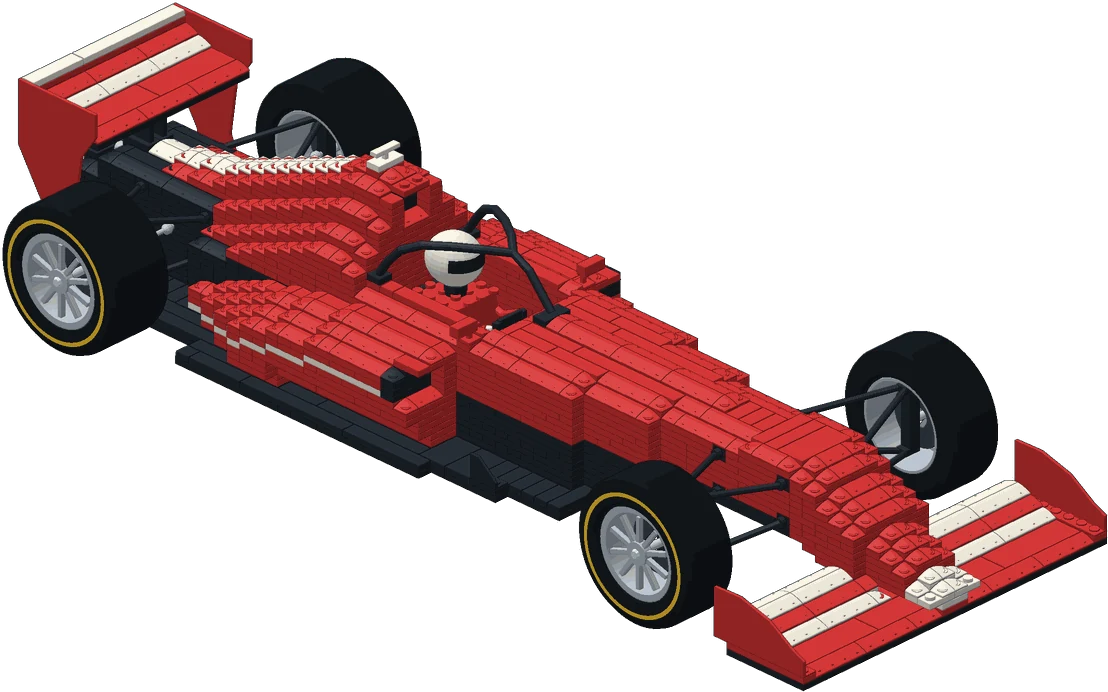
Start with a duck or turtle, then take on a racing car, rocket, or helicopter. Find a project to share—or a challenge to enjoy on your own.
Every creation shown is a model from the app. Tap one for a closer look.
Help your little builder get started, with a gentle nudge showing where the next piece belongs.
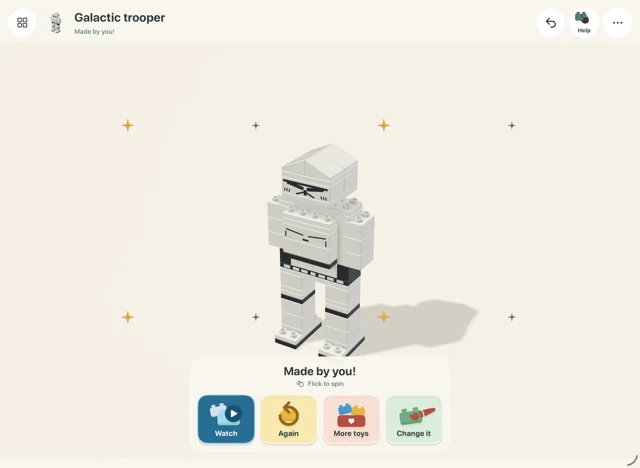
Follow illustrated instructions, take turns placing pieces, and watch your creation come together.
Let their ideas lead—or try one of your own. Choose pieces and colours, then see what takes shape.
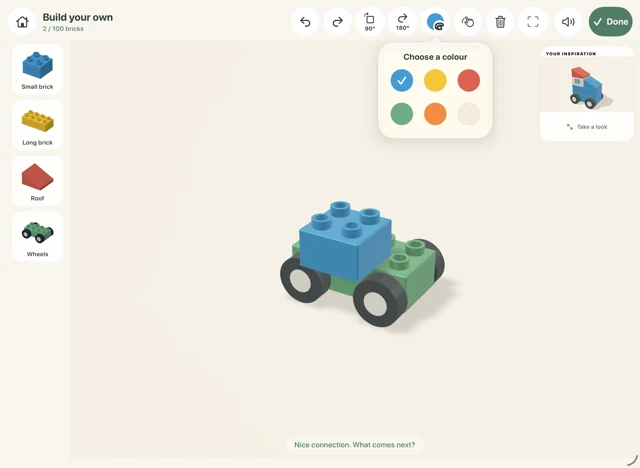
Building modes vary by model. Larger builds use Instructions and Creative.
Build something together, then give it a story. Take your creations to the park, the harbour, or wherever your imagination leads.
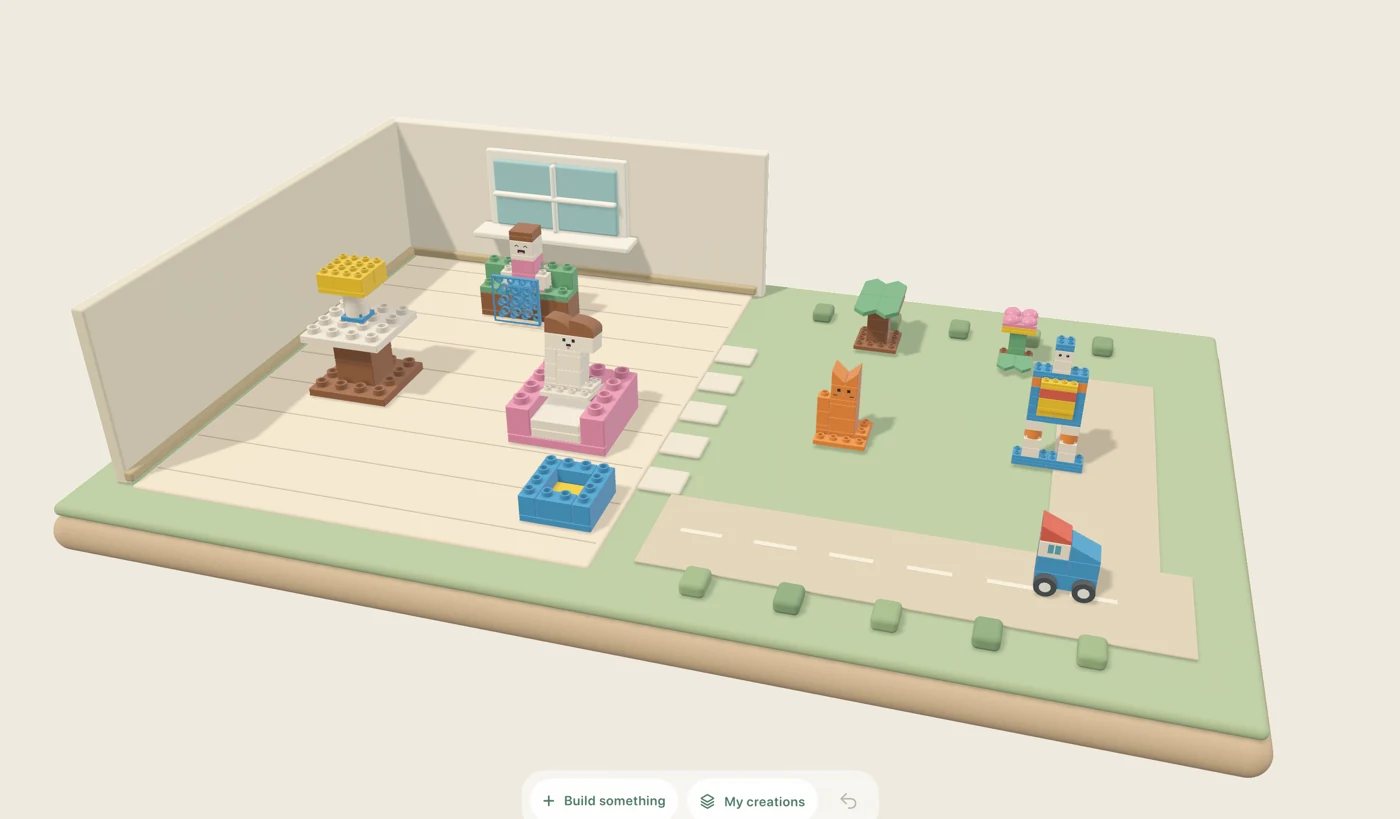
A home for your creations, and a starting point for every story. Pick a place to explore.
Pull up a seat, take turns, and see what you can make together. Or let your child follow their own ideas, with a helping hand when they want one.
Keep creating without an internet connection.
Building progress and creations save on the device.
Made for iPhone and iPad, wherever ideas happen.
Share an iPhone or iPad, choose a model, and take turns building. You can help with a tricky piece or dream up a story together. Together means sharing one device; the app doesn’t offer online multiplayer.
There’s room for grown-up builders too. Try a detailed racing car, rocket, or helicopter on your own, or make it a project to share with your child.
Bupli World is made for iPhone and iPad running iOS or iPadOS 18 or later.
The building and world-play experience works offline. You’ll need an internet connection to download the app and its updates.
Yes. Creative mode lets you choose pieces and colours and make your own creations. Guided building and Instructions give you a starting point when you want one.
Your progress, creative projects, and world arrangements save locally on the device. They aren’t automatically shared between devices.
Smaller builds offer Guided, Instructions, and Creative modes. Larger Masterpieces use Instructions and Creative. The app shows the available choices for each model.
YOUR NEXT SHARED ADVENTURE STARTS SMALL.The App Store link will be added shortly.